Cities worth the trip.
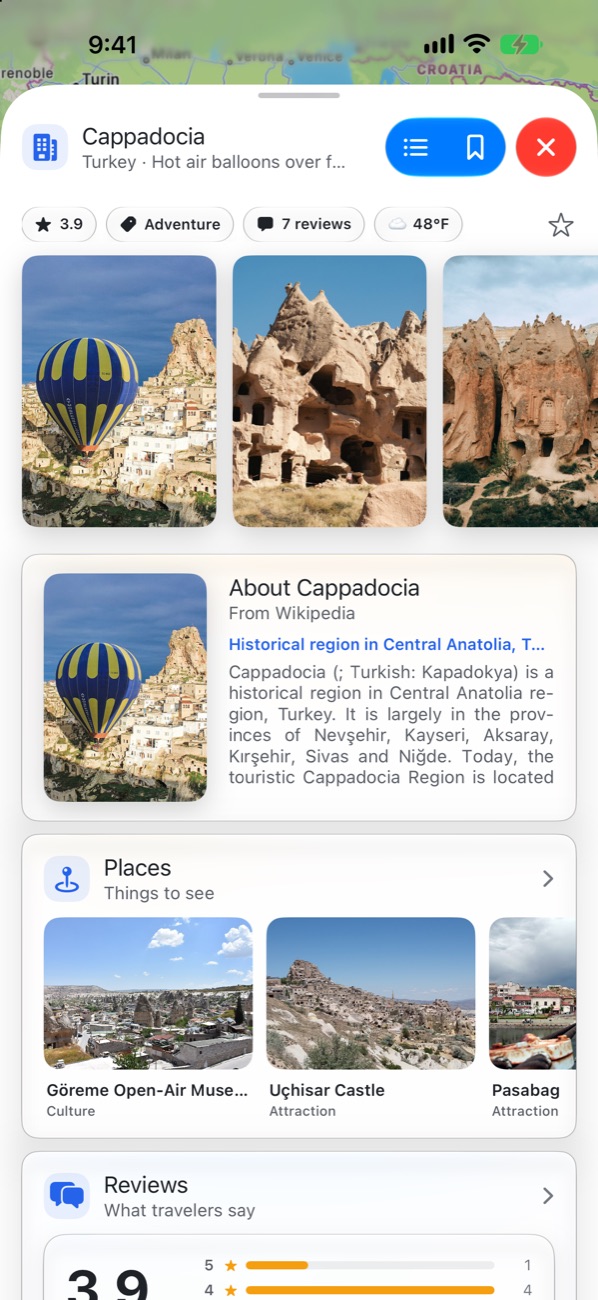
Every city comes with photos, its story from Wikipedia, the weather and what other travellers thought.
 Triproute
Get the app
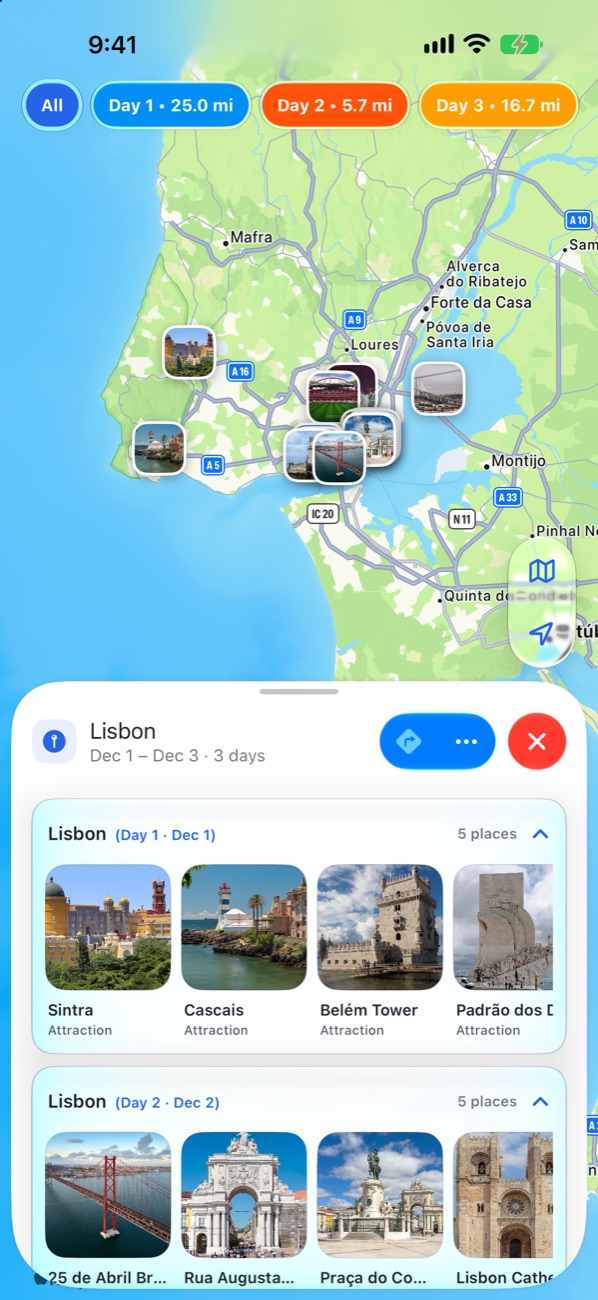
Pick your cities, add the places you want to see, and Triproute turns each day into a route — with photos, stories and directions for every stop.
Cities, places, days, routes, bookings and the people you travel with — all in one calm place that stays out of your way.
From “where to?” to the first step out the door, in three moves.
Every city comes with photos, its story from Wikipedia, the weather and what other travellers thought.
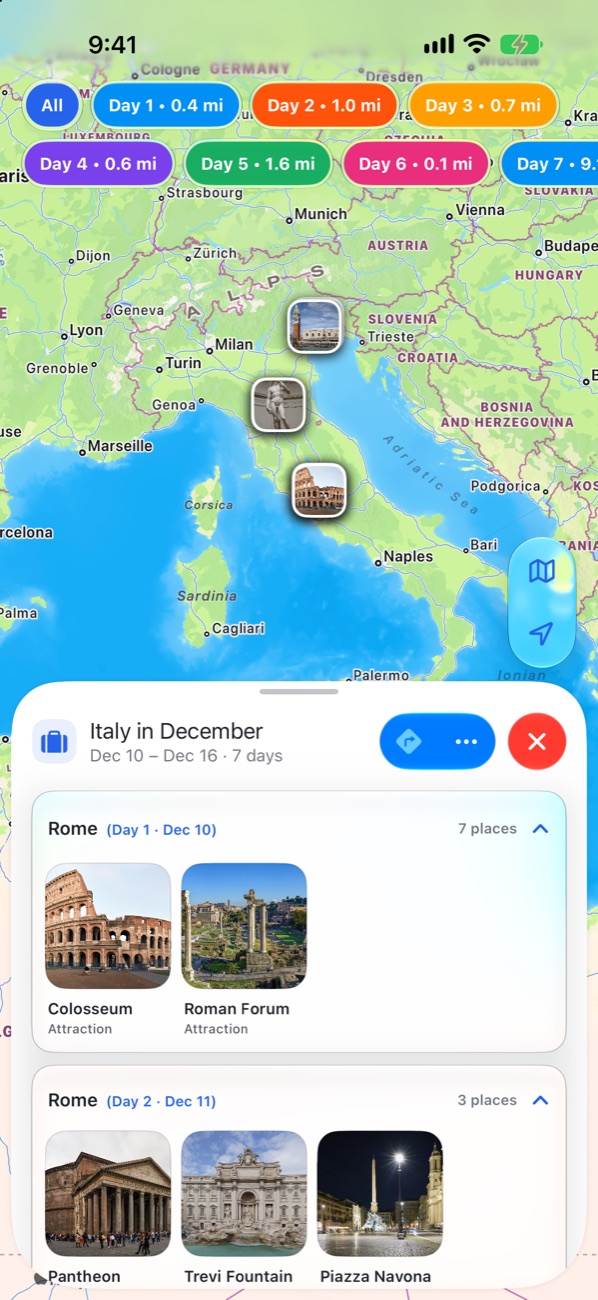
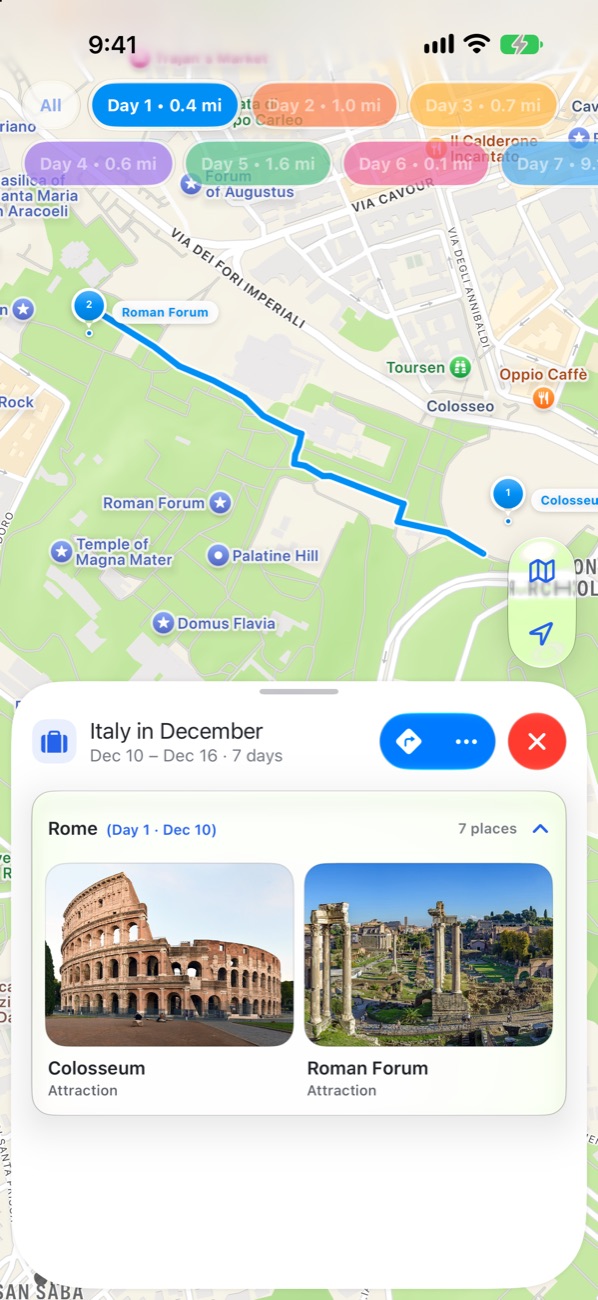
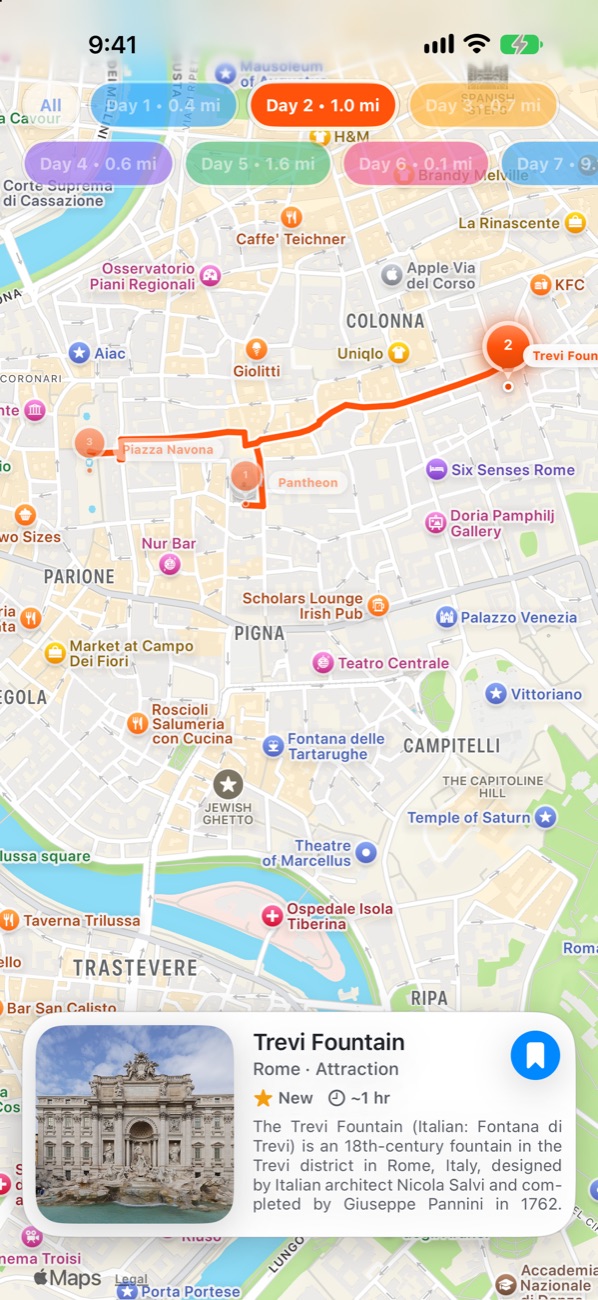
Add places to your days and each one is drawn on the map in its own colour, with the distance you’ll walk.
A card with the photo, what it is and how long to give it. Swipe to the next stop, or get directions.
Pick where, how long and what you love, and Apple Intelligence drafts the days — places and routes included. It runs on your device, so nothing leaves your phone.
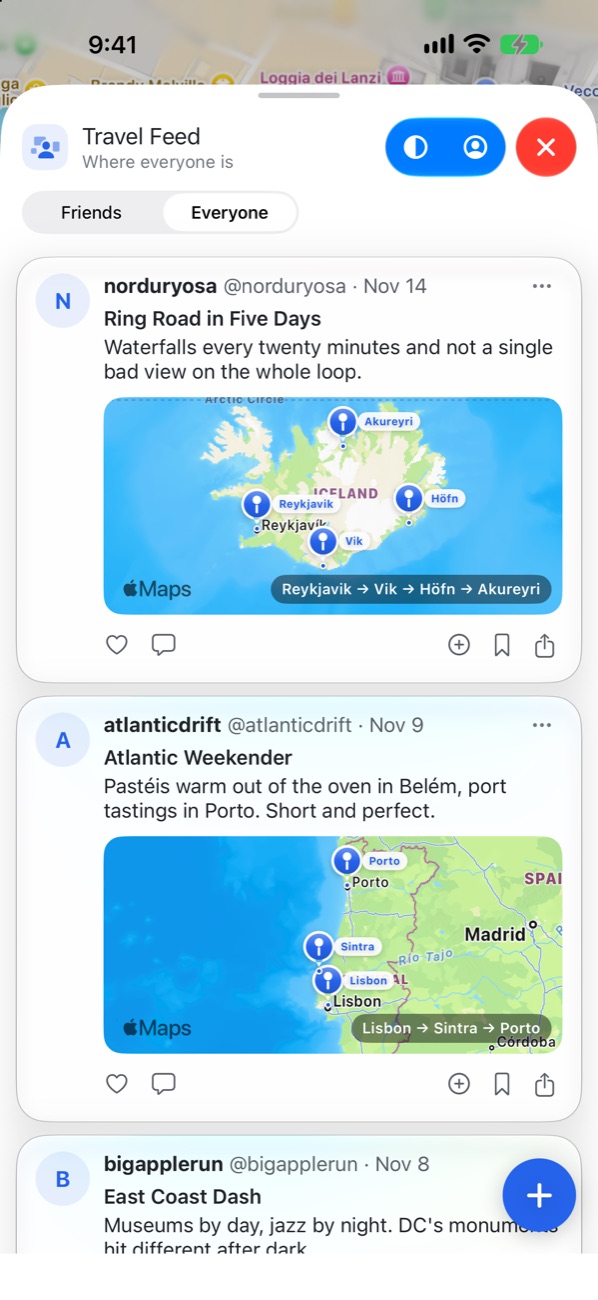
Share a trip with its photos and route, and see where everyone else has been. Follow travellers, comment, and save the routes you like.
Invite friends by their nickname to plan the same trip. Find friends already on Triproute from your contacts — matched privately, never uploaded.

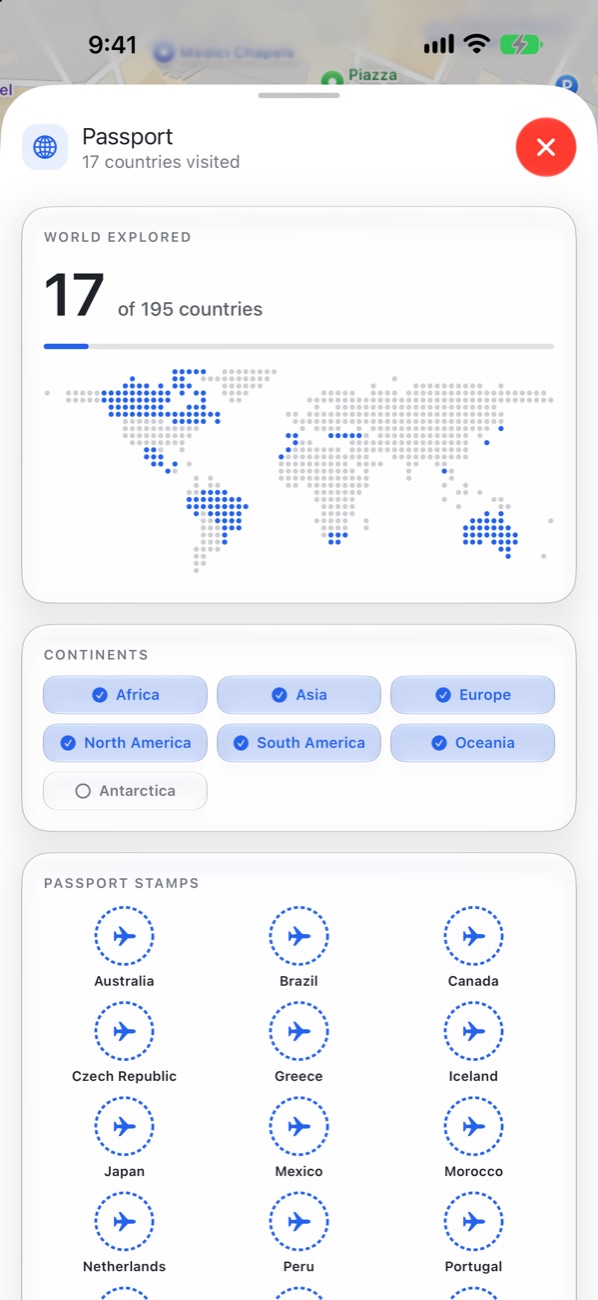
Mark the places and countries you’ve been. They fill in on your own world map, with achievements for every continent.
Keep hotels and flights with the trip and look a flight up by its number. Add documents, a packing list and a budget.

Today’s stops on Apple Watch, the next trip in a widget, and the day’s route in the Dynamic Island.
Plans, places and notes stay private unless you choose to share them. Nothing about you is ever sold.
Read the privacy policy →Planning trips, routes, the feed and your passport are free. Pro adds the extras on the right. Subscribe yearly or monthly and cancel any time in Settings.
Start your free trialYes. Planning trips, day routes, place cards, the Travel Feed and your passport are free. Triproute Pro adds Plan with AI, every theme, the widget, the Dynamic Island and the Apple Watch app, with the first 14 days free.
Triproute is in beta on TestFlight now and coming to the App Store soon.
iPhone, with a companion app for Apple Watch.
On your iPhone, and mirrored to your account so they survive a reinstall and reach your other devices. Trips, plans and notes are private unless you post or share them.
No. The travel assistant runs on your device with Apple Intelligence. Your questions aren’t sent to us or to an AI company.
In the app, open Profile → Delete account. It removes your account and everything stored against it, including your posts, comments, likes and their photos.
Now in beta on TestFlight. Coming soon to the App Store.
Coming soon to the App Store